
Shopify & Ecommerce
WhatsApp Orders and Enquiries on an Online Store: How Indian Brands Set It Up
Plan WhatsApp buttons and product enquiries for an Indian online store, including customer context, staff routing, consent, fallback contact and order handling.
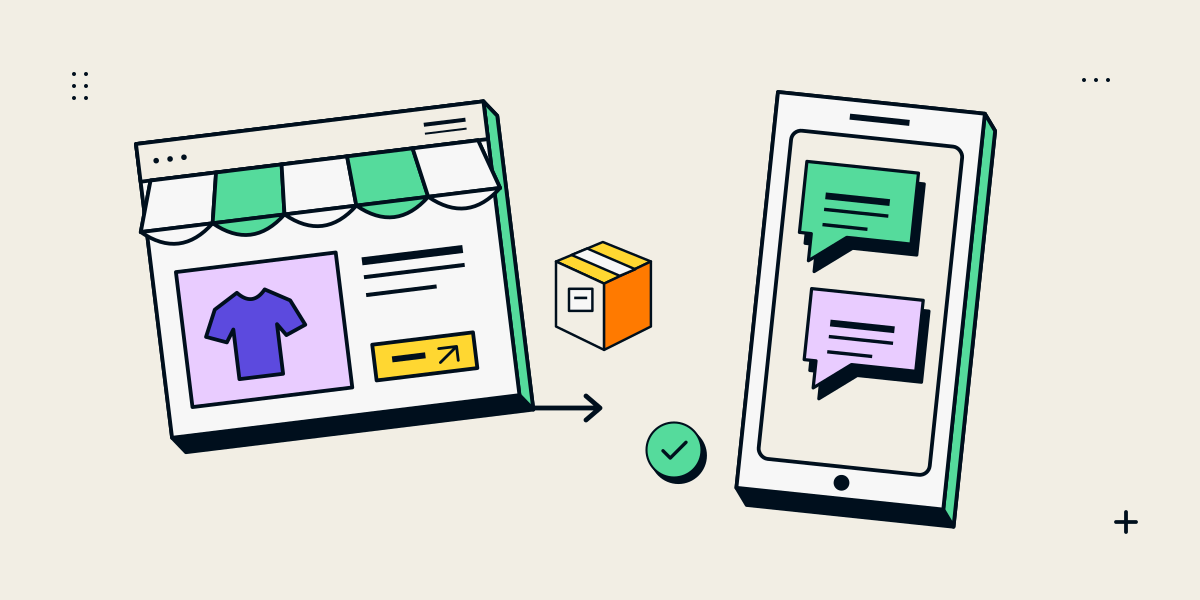
Decide whether WhatsApp is for questions, quotes or completed orders
A WhatsApp link can make it easy for a customer to ask about a product, request a quote or speak with a sales team. It is not automatically an order system: opening a chat does not submit a message, reserve stock, collect payment or create a confirmed order in the store.
| Use | Customer action | What the business still needs |
|---|---|---|
| Product question | Ask about a specific item or option | A team member who can answer and track the enquiry |
| Quote request | Share quantity or custom requirements | A process for reviewing details and preparing an offer |
| Order assistance | Ask for help during purchase | A secure checkout and a way to reconcile the conversation with an order |
| Manual order request | Ask staff to place or prepare an order | Customer confirmation of products, price, delivery and payment terms |
Keep checkout for products customers can purchase directly. Use WhatsApp as a complementary route when a conversation genuinely helps, such as for a custom product, bulk quantity or specification question.
Carry useful product context into the chat
A generic “Chat with us” link can leave the sales team asking which product the visitor saw. Make the route product-aware where useful: include a readable product name, reference and page URL in a pre-filled message. Ask for quantity or configuration only when it helps the next reply.
- Use the product title and a stable product code where available.
- Include the product page URL so staff can confirm the correct variant.
- Let customers edit the message before sending it.
- Do not put personal, payment or confidential information into the URL.
- Keep a fallback contact route for people who cannot use WhatsApp.
WhatsApp’s click-to-chat guidance describes `wa.me` links and URL-encoded pre-filled messages. A pre-filled message appears in the chat field; the customer still chooses whether to send it. Test the link on mobile and desktop before adding it to the storefront.
Make sure enquiries reach a person who can respond
Decide which number receives product questions, who monitors it and what happens outside business hours. If multiple staff share the work, define ownership, expected response times and how the team records a quote or order. A button is only useful if an incoming message has a clear destination and owner.
- Test a product-specific chat link from a phone and desktop browser.
- Confirm the number is correct and the starting message contains the intended item context.
- Verify who sees incoming messages and who is responsible for replies.
- Agree how staff identify duplicate, incomplete or out-of-hours enquiries.
- Record the final quote or confirmed order in the business system, not only in a personal chat history.
For higher volume or shared-team workflows, assess the appropriate WhatsApp Business tools or a separately scoped integration. Confirm current platform requirements, permissions, costs and message-handling rules before connecting an API or third-party app.
Set clear expectations and protect customer information
Tell customers what happens after they start a chat and which business account will reply. Do not make WhatsApp the only way to contact the company if the purchase or enquiry should remain accessible through the site. Make the link label describe the action and avoid implying that a message has already been sent.
- Use a business-controlled number and limit access to staff who need it.
- Keep customer details in approved business systems with appropriate access.
- Do not request payment card details or sensitive information in ordinary chat.
- Explain how enquiries are handled and how customers can request another contact method.
- Review the site’s privacy information if customer information is collected or transferred.
If the business sells through a normal checkout, keep payment and order confirmation on the configured ecommerce flow. A chat can answer questions; the store or authorised payment provider should remain the source of truth for the completed transaction.
Measure conversations without mistaking clicks for sales
A click on a WhatsApp button shows that a visitor opened a chat route. It does not tell you whether a message was sent, whether staff replied or whether the conversation became a sale. Track those stages separately using a method the team can maintain.
| Stage | Possible record |
|---|---|
| Link opened | A measured click on the WhatsApp action, subject to the site’s consent setup |
| Message received | A customer conversation recorded by the staff team |
| Qualified enquiry | A conversation that matches the service, product and service area |
| Quote or order | A documented offer or checkout/order record in the business system |
| Outcome | A completed order, lost opportunity or next follow-up action |
Use the data to see whether the route is helpful and whether enquiries are being answered. Do not report every button click as a lead or attribute an order to WhatsApp without a defined way to connect the conversation and sale.
Connect the product and the conversation
The Nidhi Halani Shopify case study describes product-specific consultation enquiries and a route that carries product information into a conversation. It is a useful example of keeping the product context with the customer’s question. The case page does not prescribe one messaging channel for every store; choose the channel and workflow that your team can support.
For broader decisions about quotes versus checkout, read enquiry-led catalogue or full online store. If Shopify is the chosen platform, our Shopify development service can assess the theme and store setup around the required flow.
For an enquiry-led product, a useful handoff is product reference → customer question → responsible staff member → clarified quote. A WhatsApp link can carry a short product reference, but staff still need a process for replies and for requests that arrive outside working hours. Keep a form or email route available for visitors who do not want to use WhatsApp.
The fashion and made-to-order Shopify page describes the commercial scope around this handoff. A chat-link click is an expression of interest, not proof of an order or an accepted enquiry.
Questions about WhatsApp on ecommerce websites
Can a WhatsApp button place an order automatically?
A basic click-to-chat link opens a conversation. It does not by itself confirm a cart, payment or order. Define a separate ordering process if staff will create orders from chat.
Can the product name appear in the WhatsApp message?
Yes. A click-to-chat link can include a URL-encoded pre-filled message with product context. Let the customer review it before sending and avoid putting private information in the URL.
Should WhatsApp replace the ecommerce checkout?
Usually keep a working checkout for products that can be purchased directly. WhatsApp can support questions or quote requests when a conversation is part of the sale.
Can several employees answer from one number?
The right setup depends on the business’s WhatsApp tools and volume. Review current supported features, access controls, costs and conversation ownership before choosing an app or API integration.
How do I know whether WhatsApp generates sales?
Separate chat-link clicks, messages received, qualified enquiries, quotes and completed orders. A click alone is not evidence that a message was sent or a purchase occurred.