
Shopify & Ecommerce
Enquiry-Led Catalogue Website or Full Online Store: Which Fits B2B and Wholesale?
Compare an enquiry-led B2B catalogue with a full online store. Choose based on pricing, buyer readiness, order rules and your team’s fulfilment workflow.
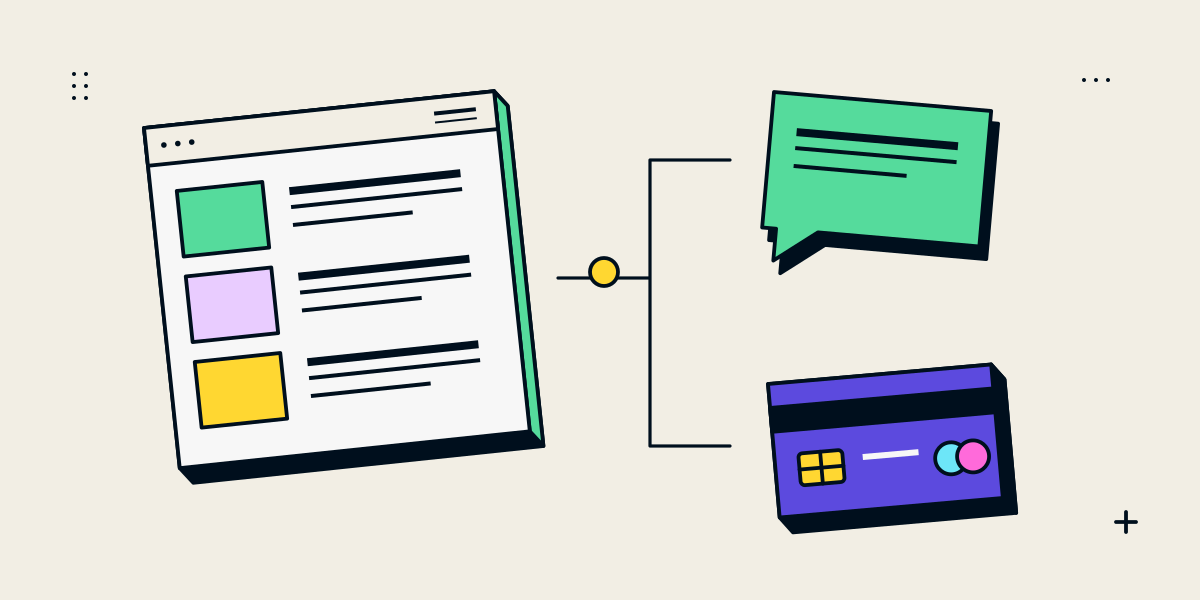
A catalogue helps buyers enquire; a store lets them place an order
A B2B catalogue website presents products and helps a buyer request information, pricing or a conversation. A full online store adds a defined purchase flow: the buyer can select the offer, review the amount due and submit an order under the business’s published rules. The difference is the action the business can reliably support, not simply whether products appear on a website.
| Question | Enquiry-led catalogue | Full online store |
|---|---|---|
| How is the price set? | Quoted after quantity, specification or buyer context is known | Displayed before purchase, including the rules that affect the total |
| How does the buyer proceed? | Requests a quote, sample, availability check or sales discussion | Adds items to cart and submits an order through checkout |
| When does staff review the order? | Before a quote or offer is sent | Before fulfilment, when the submitted order needs review |
| What must stay current? | Product details, enquiry routing and the sales response process | Product details plus prices, stock or lead times, shipping, tax and checkout settings |
Manufacturers, distributors and wholesalers can use either model. A business with negotiated pricing may still sell a standard range online. A product catalogue does not have to be a PDF, and an online store does not have to make every product available to every buyer.
Start with the order your team is prepared to accept
List the decisions a buyer and your staff make from product discovery through fulfilment. Include minimum quantities, custom specifications, delivery location, stock or production lead time, payment terms and any approval needed. Mark which details are stable enough to show publicly and which need a conversation.
- Use an enquiry-led catalogue when a salesperson must confirm price, quantity breaks, specification or delivery before making an offer.
- Use a full online store when the product, customer eligibility, payment path and fulfilment terms can be explained clearly before an order is submitted.
- Consider a hybrid when standard products can be purchased directly but custom, bulk or restricted orders need a quote.
- Keep a human review step when it is a real business control, and explain the expected next step to the buyer.
A useful test is whether two staff members would give the same answer to “What can this buyer order, at what terms, and what happens next?” If they need to check a spreadsheet, ask a colleague or recalculate the quote first, that uncertainty belongs in the design of the buying flow.
Make the catalogue useful before the buyer sends a request
An enquiry button cannot make up for missing product information. Give buyers enough detail to decide whether a conversation is relevant and to identify the item accurately. That may include a product code, specifications, available configurations, compatible products, packaging units, lead-time notes and downloadable technical documents.
- Give each item a stable reference that appears on its page and in the enquiry.
- Explain which options are standard and which require confirmation.
- Use product photographs or diagrams that help a buyer distinguish versions.
- Mark indicative information as indicative; do not show a stale price as a current offer.
- Keep technical documents and product claims attached to the correct item.
For repeat buyers, let them find items by the terms they already use: product code, category, application or material. Search filters should reflect real distinctions in the catalogue. A filter that looks useful but returns inconsistent product data adds friction instead of reducing it.
Design the enquiry as the first step of a sales process
A product request should arrive with enough context for a person to respond. Ask for the product reference, requested quantity and the information that changes the quote. A company name, destination or target delivery date can be useful when it affects eligibility or fulfilment. Avoid making every visitor complete a long procurement form before the sales team knows whether the request is in scope.
- Show a clear action such as “Request a quote for this item”.
- Carry the item name, product code and selected options into the request.
- Ask only for contact and buying details the team needs to prepare a response.
- Send the request to a monitored destination and assign an owner.
- Confirm receipt to the buyer and explain how the team will follow up.
- Record the quote, approval and final order in the agreed system of record.
Agree response ownership and a realistic response window before launch. Test the whole route, including a missing required field, duplicate submission, failed delivery and a request arriving outside business hours. A form that accepts a request without delivering it is not a working enquiry flow.
Check the details a self-service order depends on
A full store needs more than a product grid and a payment button. Confirm the buyer-facing price rules, order quantities, delivery options, tax treatment, payment methods, returns or cancellation terms and the internal steps that follow checkout. If a business needs manual approval, clarify whether the buyer is placing an order, asking for an offer or submitting a request for review.
| Area | Decision to document |
|---|---|
| Buyer access | Can any visitor order, or do some buyers need an account or approval? |
| Quantity and price | Are minimums, bulk tiers, discounts and pack sizes represented accurately? |
| Availability | Does the site show live stock, a lead time or a message that staff must confirm? |
| Fulfilment | Which delivery areas, shipping methods and order cut-offs are supported? |
| Payment and tax | Which provider and payment methods are eligible, and who confirms the settings? |
| Operations | Who receives orders, handles exceptions and updates product data? |
If the requirements include contract pricing, customer-specific catalogues, credit terms or an ERP connection, document those separately. They may change the platform, access and integration scope. Confirm that the required workflow is supported before promising a particular checkout experience.
Let buyers find the right product and measure the right action
Keep useful product information on crawlable public pages when it is appropriate to share. Use clear product titles, descriptions, categories and internal links so a buyer can discover the catalogue. Do not create a public price or availability claim that conflicts with the actual sales process. If a product is private or restricted, decide how access and search visibility should work before launch.
Track meaningful outcomes for each model: a delivered product enquiry, a quote that reaches the buyer, an order started and an order completed. Separate those events in reporting. A click on “Request a quote” can help diagnose behaviour, but it is not the same as a useful request arriving with the sales team.
If buyers need to compare a consultation-led product journey with direct checkout, see our guide to Shopify price-on-request products and the broader Shopify versus custom ecommerce comparison. These are implementation options, not replacements for defining your own order rules.
Use a small set of real buyer scenarios before launch
- A new buyer finds a product and asks a complete question.
- A repeat buyer uses a product reference to request the same item again.
- A buyer requests a quantity or specification that needs manual review.
- A standard order goes through the published checkout and reaches the fulfilment team.
- A request or order fails, and the team can identify and recover it.
- A staff member updates product details without breaking the buying path.
Questions about B2B catalogues and online stores
Can an enquiry catalogue include product prices?
Yes, when the prices are useful and accurate. You can show a reference price or standard price while asking buyers to confirm custom quantities or specifications, provided the page explains what is and is not included.
Can wholesale buyers order some products online and enquire about others?
Often, yes. The catalogue can separate standard checkout products from products that need a quote. Define the rule and test product pages, search, cart and any connected sales channels.
Do I need a customer login for B2B?
Only if a real requirement depends on it, such as approved access or customer-specific information. A login adds account support and access decisions, so agree who can register and what each account can see.
What should a product enquiry contain?
At minimum, the product reference and a way to reply. Add quantity, configuration or delivery information only where it helps your team prepare the next step.