
B. Portfolio websites
Fashion Designer Portfolio Websites: Collections, Editorials, and Contact
Plan a fashion designer portfolio website around collections, design process, campaign imagery, accurate credits and enquiries for commissions or collaboration.
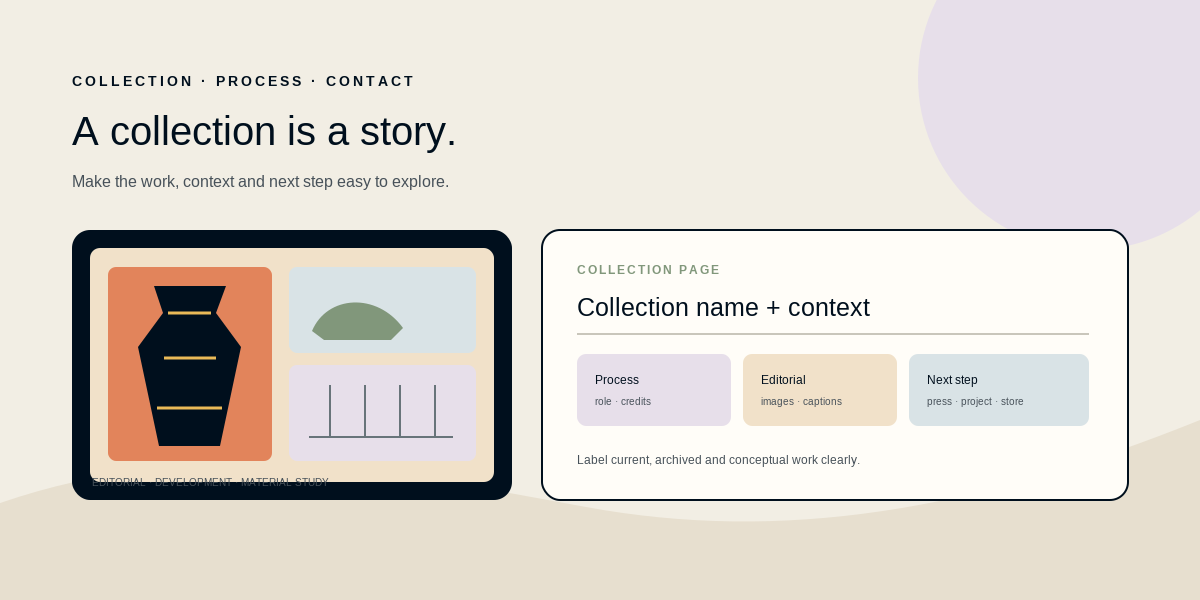
A fashion designer portfolio website should help visitors understand the collection, the design thinking and the kind of opportunity you are open to discussing. Campaign images show the finished direction; process material and captions explain how the work developed. Organize each collection so a stylist, client, retailer, collaborator or press contact can find relevant information without confusing a portfolio with an online store.
TL;DR
- Give each collection or project a clear name, date or status and a short editorial context.
- Pair finished imagery with selected process details, materials, credits and your role.
- Make collaboration, commission, press or wholesale enquiries distinct when they require different responses.
- Use an ecommerce storefront when visitors need to select products and place orders.
Decide what opportunity the portfolio should support
A fashion portfolio can support several kinds of conversations: a commissioned design project, a creative collaboration, a styling request, a press enquiry, a wholesale discussion or a request to purchase a product. Decide which of those routes the site should handle and label each one clearly. A single generic contact link can make it difficult for a visitor to know whether their request fits your work.
| Visitor | Information they may need | Possible next step |
|---|---|---|
| Potential client | Design scope, collection direction and relevant project work. | Discuss a commission or design brief. |
| Stylist or creative collaborator | Editorial images, credits, availability and collaboration context. | Request collaboration details or a project conversation. |
| Press or publication | Approved images, collection notes, designer biography and credits. | Contact the press or studio representative. |
| Retail or wholesale contact | Collection, product range, delivery context and business contact. | Send a trade or wholesale enquiry. |
| Customer ready to buy | Product details, availability, size or variant selection and checkout. | Open the relevant storefront product or collection. |
A fashion designer may combine a portfolio and commerce site, but the pathways should remain clear. A portfolio explains the creative work; a storefront handles product discovery, buying information and transactions.
Organize collections as distinct design stories
Use a collection page to establish a coherent body of work. Name the collection, explain its context and identify whether it is a completed line, a study, an editorial project or a current product range. Group the images so visitors can move from the overall direction to individual looks or pieces without losing the collection's identity.
- Use collection names and dates or seasons only when they are accurate and meaningful.
- Write a short introduction that explains the idea, audience or design brief.
- Separate collections, collaborations and personal studies when visitors evaluate them differently.
- Show selected looks in a consistent sequence and provide captions where they add information.
- Link an available product to its current store listing rather than implying that every portfolio image can be purchased.
If the portfolio contains work from several years, decide which pieces represent the designer's current practice. Archive older collections when they remain relevant, but keep the most useful entry points easy to find.
Use process imagery to explain the work behind the editorial
Final campaign or editorial photography communicates the finished visual direction. A few selected process images can explain how the collection developed: research, sketches, material studies, sampling or fitting, where you are permitted to publish those materials. Add a caption that distinguishes a concept study from a finished item and gives collaborators appropriate credit.
| Material | Helpful context |
|---|---|
| Sketch or concept image | Identify it as a development study and connect it to the collection or design decision. |
| Fabric or material detail | Describe the material or technique when that information is accurate and useful. |
| Fitting or sample image | State whether the item is a sample, prototype or finished piece. |
| Editorial image | Credit the photographer, stylist, model and collaborators as agreed. |
| Finished product image | Link to current size, variant, price and availability information if it is sold online. |
For informative imagery, provide a meaningful text alternative and avoid using a long promotional phrase as alt text. W3C WAI's alt text decision tree helps distinguish informative, functional and decorative images.
Check credits, image permissions and collection status
A portfolio can involve models, photographers, stylists, production teams, artisans and partner brands. Confirm that each image and project detail may be published on the site, and credit collaborators according to the agreement. State the designer's contribution accurately when a collection was made by a team.
- Confirm permission for campaign photography, video, sketches and behind-the-scenes images.
- Credit collaborators, models and photographers where required or agreed.
- Do not present a collaboration as a solo project if another team created the work.
- Label collections as current, archived, conceptual or available only when the status is accurate.
- Avoid publishing unreleased designs, client information or licensing details without approval.
Review large images and video on mobile connections as well as desktop. Google recommends using discoverable HTML image elements and useful page context for image search; see its image SEO best practices.
Separate the portfolio enquiry path from online buying
A visitor asking about a custom commission should not land in a checkout flow designed for a ready-to-ship product. Likewise, a customer ready to buy a current collection item needs accurate product details, variants, availability and a working order journey. Put the appropriate action near the work and explain what happens after someone contacts the studio.
The Nidhi Halani project combines a custom Shopify storefront with collection browsing and product-specific consultation enquiries. For a fashion practice selling products directly, Peak Web Craft's Shopify website service and broader ecommerce service cover different commerce scopes from a portfolio presentation.
Frequently asked questions
What should a fashion designer portfolio website include?
Show a clear introduction, selected collections or projects, editorial and process imagery, accurate credits, the designer's role and a contact route suited to the opportunities the practice wants.
How should a fashion designer organize collections online?
Give each collection a clear name and context, distinguish collections from collaborations or studies, sequence the work coherently and make the current status clear.
Should a fashion portfolio website also sell clothing?
It can, but a portfolio and a storefront serve different tasks. If visitors need product variants, availability, cart and payment, plan an ecommerce flow and link it clearly from the portfolio.
What should fashion portfolio captions include?
Add the project or collection context, the item or material shown, relevant status and agreed credits. Keep captions accurate and avoid implying availability or a role that is not confirmed.
How can fashion designers protect unpublished work?
Publish only images and details approved for public use. Review client, collaborator, photographer and licensing agreements before posting work that has not been released.