
B. Portfolio websites
Personal Portfolio Website: What Independent Creatives Should Show
Plan a personal portfolio website that helps independent creatives choose projects, explain their contribution, present services and receive relevant enquiries.
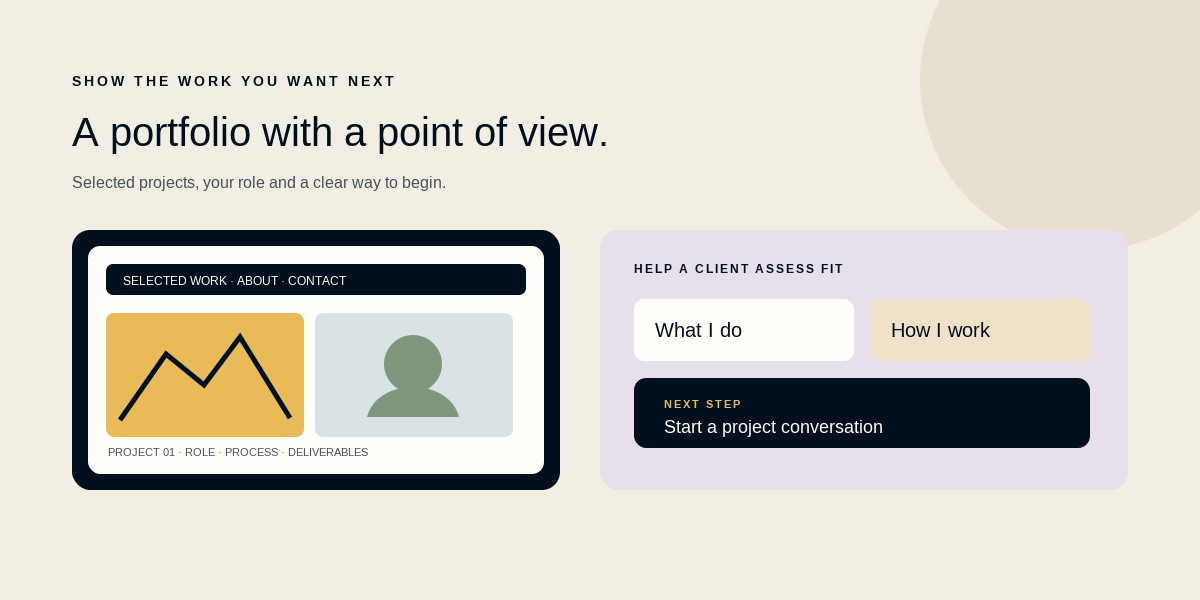
A personal portfolio website should help a potential client understand what you do, how you approached relevant work and whether you are a fit for a project. A gallery can attract attention, but each selected project needs enough context to explain your contribution. Organize the site around the decisions visitors need to make, then give them a straightforward way to ask about working with you.
TL;DR
- Choose projects that show the type of work you want to be hired to do.
- Explain the brief, your role, collaborators, process and deliverables accurately.
- Make your services, availability boundaries and contact route easy to understand.
- Prepare media with permission, meaningful text alternatives and appropriate file sizes.
Explain who you are and what kind of work you take on
A visitor should not have to infer your practice from a collection of images. Introduce the kind of work you do, the people or organizations you work with and the project types you are open to discussing. A clear description can be more useful than a broad label such as creative that does not help a potential client judge fit.
- Write a concise introduction that describes your practice in plain language.
- Name the services or project types you want to be considered for.
- Identify the audience, location or working arrangement where it affects project fit.
- Link to relevant work and make a clear contact route available.
- Update availability and service details when they change.
Your portfolio does not need to cover every service or interest. A focused presentation makes it easier for a visitor to connect the work you show with the work they may need.
Select projects that support the work you want next
Choose a representative selection based on relevance, quality and the kind of enquiry you want. A smaller curated group can make the practice clearer than publishing every assignment in chronological order. Include different formats only when they help explain your range or approach, and make sure the visitor can tell which projects are most important.
| Question | Why it helps |
|---|---|
| Does this project match the work I want to be hired for? | Shows a relevant service or working style to a potential client. |
| Can I explain my role accurately? | Separates your contribution from collaborators and client decisions. |
| Do I have permission to publish the work and details? | Protects client confidentiality, usage rights and project agreements. |
| Does the page add information beyond the image? | Provides context on the brief, constraints, process or deliverables. |
| Is the project still representative? | Keeps the portfolio aligned with your current practice and capabilities. |
For an overview of how photographers, filmmakers and artists organize selected work, see the portfolio website examples for independent creatives. This guide focuses on shaping your own personal portfolio and positioning.
Give each selected project useful context
A case study can explain what the project was for, what you contributed, which decisions you made and how the work was delivered. Use only facts you can support and publish. If an outcome is qualitative, describe it honestly. If metrics are not available or approved, do not invent a result to make the project sound stronger.
- Introduce the client or project type at the level permitted by your agreement.
- Describe the brief, audience or challenge that shaped the work.
- State your role, collaborators and any specialist partners.
- Show the process or key decisions that explain the finished work.
- Present the final deliverables with captions that identify what visitors are seeing.
- Link to related services or invite a project enquiry when appropriate.
A project page can be concise. The goal is to provide enough context for a potential client to evaluate fit, not to publish a detailed internal project record.
Organize the portfolio around visitor questions
| Page | What it should help a visitor understand |
|---|---|
| Home or landing page | Who you are, what you do and where to find relevant work. |
| Work index | Which projects you have selected and how they relate to your practice. |
| Project pages | The context, role, process and deliverables behind individual examples. |
| About | Your experience, approach and the people or collaborators involved. |
| Services | The work you accept, project boundaries and the kind of brief to send. |
| Contact | A direct way to reach you, with a clear expectation for what happens next. |
Some independent creatives can combine services and about information on one page. Choose page boundaries based on how much explanation each topic needs and how people navigate the work, rather than adding pages for their own sake.
Present media responsibly and make enquiries straightforward
Portfolio websites often rely on images, film or detailed project material. Use media you have permission to publish, credit collaborators where agreed and add descriptive alternative text when an image communicates information. Prepare responsive sizes so the work remains clear without sending unnecessarily large files to every visitor.
- Write captions that identify the project, medium or relevant role.
- Use meaningful alt text for informative images and empty alt text for decorative media.
- Check video controls, playback and captions where applicable.
- Test image crops and gallery controls on phones as well as wide screens.
- Ask only for enquiry information needed to understand or respond to a brief.
- State the preferred contact method and any realistic response expectation.
Peak Web Craft's portfolio website development service can include project presentation, responsive galleries, case-study layouts, contact paths and an editing workflow when the brief calls for it.
Frequently asked questions
What should a personal portfolio website include?
Include a clear introduction, selected work, context about your role, relevant services or project types, an about section and an easy contact route. Add only the pages and details that help a potential client understand your practice.
How many projects should I show in my portfolio?
There is no required number. Select enough relevant work to show your capabilities without weakening the presentation with projects that do not support the kind of work you want to receive.
How do I write a portfolio case study?
Explain the brief or context, your contribution, collaborators, important decisions, process and deliverables. Use results only when they are accurate, supportable and permitted for publication.
Should a personal portfolio website include a resume?
Include experience or a downloadable resume when it helps your audience evaluate your background. Keep it current and make sure the main work and contact route remain easy to find.
Can a portfolio website help me get clients?
A portfolio gives potential clients a place to assess your work and contact you. Enquiries also depend on the relevance of your services, audience, reputation, visibility, timing and how you respond; a website cannot guarantee projects.