
Shopify & Ecommerce
Shopify Theme Customisation vs Custom Theme Development: What Does Your Store Need?
Compare Shopify theme customisation with custom development: choose based on layouts, merchant controls, integrations and maintenance.
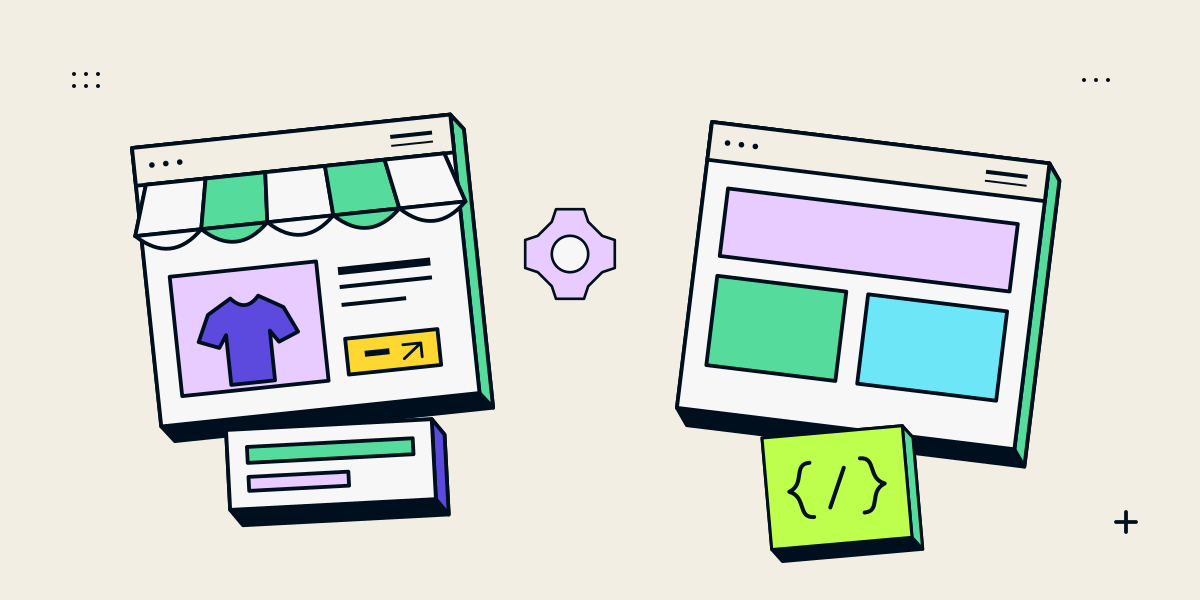
Customize a suitable theme; build more only when the requirements justify it
Shopify theme customisation adapts an existing theme to the store’s brand and buying journey. This can include editor settings, section layout or focused code changes. Custom theme development creates more of the storefront structure and behaviour around specific requirements.
The choice is not simply “cheap template” versus “premium custom”. A suitable theme can be deeply tailored and maintainable; a custom theme still operates within Shopify and still needs testing and updates. Start with the work the merchant needs to do and the customer journey the store must support.
| Approach | Good fit when… | Tradeoff to plan for |
|---|---|---|
| Theme editor changes | The theme already has the required sections, settings and page structures | You work within the options and layout the theme provides |
| Focused code customisation | A few layouts or interactions need changes beyond editor settings | Custom code needs a clear owner and compatibility checks when the theme changes |
| Custom theme development | The store needs a distinct design system or structure the current theme cannot support cleanly | More design, development and maintenance work must be planned |
Inspect the existing theme before deciding to replace it
Review the current theme, its settings, templates, apps, custom code and merchant workflow. Identify which changes are visual, which affect product or cart behaviour, and which are caused by an app or store configuration. A new theme may not solve a checkout setting or third-party integration problem.
- Can the merchant build the required page using existing sections and settings?
- Are product, collection and content templates flexible enough?
- Which custom scripts, apps or code changes already affect the theme?
- Can staff make routine updates without a developer?
- Which mobile or performance issues can be traced to a specific element?
Shopify’s theme customisation guidance describes using the theme editor to preview and arrange supported settings and content. If the needed controls are missing and the requirement justifies it, code changes using HTML, CSS and Liquid may be appropriate.
Consider a custom theme when the store needs a different structure
A custom theme can make sense when repeated workarounds would make the existing theme difficult to maintain, or when the store needs reusable sections, product templates or interaction patterns that are not available in its current structure. The developer should describe which requirement calls for custom work and why simpler options fall short.
Shopify’s theme architecture documentation explains how Liquid, templates, sections, blocks and supporting assets make up a theme. That structure allows developers to create reusable storefront pieces while preserving controls the merchant needs.
- Define which page types and merchant-editable settings the theme will include.
- Keep repeated design patterns in reusable sections where appropriate.
- Avoid making staff edit code for routine catalogue or content changes.
- Document app and platform dependencies instead of hiding them in the theme.
- Plan how code changes, theme updates and future improvements will be reviewed.
Compare the total work and future editing needs
Ask for the scope behind each option: templates, sections, product data, app integration, mobile review, accessibility checks, performance work, testing and handover. A theme’s purchase price does not represent the full cost of tailoring it, and a custom build should identify which parts are being made from scratch.
| Question | Why it matters |
|---|---|
| What will staff be able to edit? | Shows whether the theme supports ordinary content and catalogue updates |
| Which apps or custom scripts are required? | Reveals recurring dependencies and maintenance responsibility |
| What happens if the theme is updated? | Clarifies how code changes and compatibility will be reviewed |
| How will a product or variant be tested? | Covers the real buying journey, not only the homepage |
| What is included in the handover? | Makes ownership, documentation and future support explicit |
If the current store already works but needs a broader visual and user-journey change, see our Shopify store redesign checklist. If the platform itself is in question, compare Shopify and custom ecommerce before investing in a theme.
A Shopify Online Store 2.0 and Liquid example
The Nidhi Halani Shopify case study documents a storefront built with Shopify Online Store 2.0, Liquid, CSS and JavaScript. The project combines collection browsing, editorial content and product-specific consultation enquiries. It illustrates one tailored theme implementation; it is not evidence that every Shopify store needs a fully custom theme.
The relevant question for your store is which parts need custom behaviour and which the merchant should be able to manage. Compare those needs against the theme you already have or are considering.
Questions about Shopify theme development
Is custom Shopify theme development always better?
No. A suitable theme with focused customisation can be easier to maintain. Custom development is useful when important layouts or behaviour cannot be supported cleanly by the existing theme.
Can a developer customize any Shopify theme?
Theme code can often be edited when the store and theme permit it, but the scope depends on the theme licence, code quality, apps and requirements. Review support and update implications first.
Will a custom theme make my store faster?
Not automatically. Performance depends on implementation, images, scripts, apps and other factors. Measure representative pages and address specific causes rather than assuming a new theme guarantees a score.
Can I keep using the Shopify theme editor after custom work?
That depends on how the theme and settings are built. Agree which sections and fields staff need to edit, and test those tasks with the merchant before handover.
Should I duplicate the theme before changes?
Shopify recommends creating a copy before customising so you have a theme version to return to. A theme copy is not a full backup of products, orders or every store setting.