
Shopify & Ecommerce
Shopify Store Redesign: Updating Your Design Without Losing Sales or SEO
Plan a Shopify store redesign around customer journeys, product data, URLs, search signals and operational testing to reduce avoidable disruption.
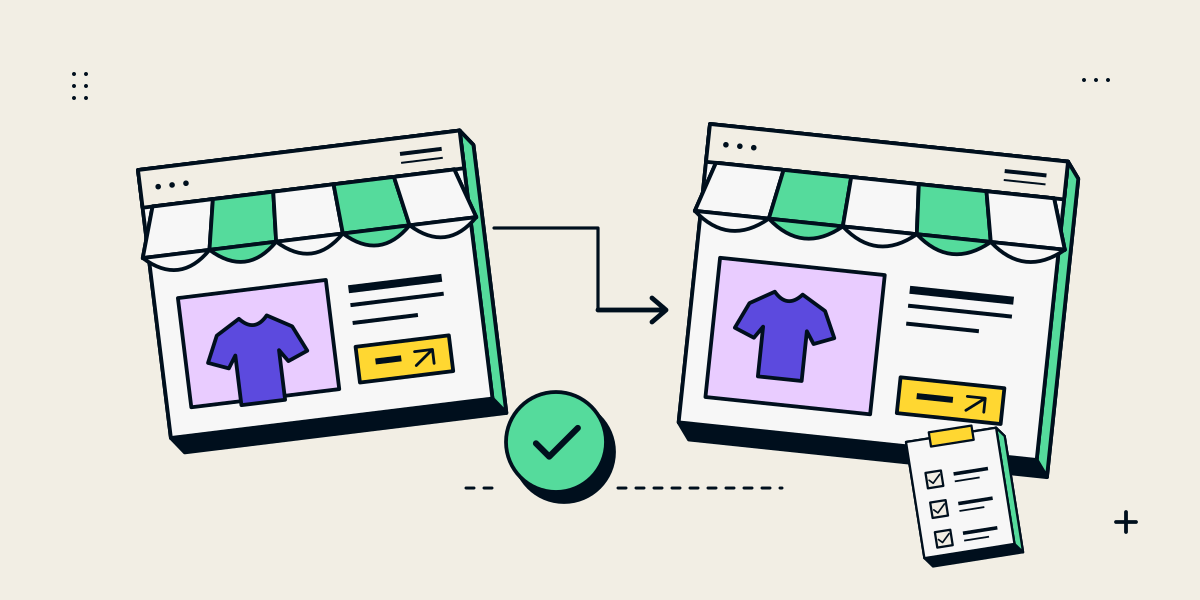
A redesign can reduce risk, but cannot guarantee sales or rankings will stay unchanged
A Shopify redesign can change navigation, templates, content, URLs, app behaviour and page performance. Careful planning helps protect useful customer journeys and search signals, but no checklist can guarantee that sales or search visibility will never fluctuate. Demand, competition, campaigns, platform changes and customer behaviour also affect results.
Treat the project as a change to a working store. Record what matters before development, make changes in a review theme, map any URL changes, test real customer and staff tasks, and monitor the new version after launch.
Record the store’s current baseline before changing it
Inventory the important pages and workflows. Note top product and collection URLs, search landing pages, current redirects, app dependencies, form or enquiry routes and the metrics the business trusts. Save the content and configuration needed to reconstruct the current experience.
- List URLs that earn organic visits, links or sales.
- Record product, collection, policy, blog and page templates in use.
- Identify current titles, descriptions, canonical URLs and structured data outputs.
- Check where enquiry, cart and order information is delivered.
- Note the theme, apps, scripts, integrations and settings that affect customer behaviour.
Use evidence from Search Console, analytics and the store’s own order records. Make a note of limitations such as incomplete tracking, seasonality or missing product-level data. A baseline lets the team compare before and after without guessing what changed.
Build and review the changes in a separate theme
Keep the current live theme available while the redesign is being developed. Shopify recommends duplicating a theme before customising it so you can work on a copy and preview changes. A theme copy is not a full backup of the store’s products, orders or all settings, so preserve important data separately.
Agree which theme is the release candidate and who can publish it. Avoid changing live product data or app settings while the team believes it is testing an isolated preview. Some app or checkout behaviour may depend on the live store configuration and needs its own testing plan.
Keep useful URLs stable and map every URL that must change
If a product, collection or page URL can remain the same without compromising the new structure, preserving it reduces avoidable redirects. If a URL must change, create a direct mapping from the old page to its most relevant new page. Do not send many unrelated product URLs to the homepage.
Google’s site move and URL change guidance recommends mapping old URLs to relevant destinations, using permanent server-side redirects where possible, updating internal links and testing redirects. The guide also explains that search processing can take time and that visibility may fluctuate temporarily.
- Export the current URL list before building new templates.
- Map every removed or changed URL to a relevant destination or a genuine not-found response.
- Check for redirect chains and links that still point to old paths.
- Use consistent canonical URLs and include the preferred pages in the sitemap.
- Test redirect targets for a real, useful page response before launch.
Test the shopping and enquiry journeys, not just the design
| Journey | What to test |
|---|---|
| Product discovery | Search, filters, collections, product links and mobile browsing |
| Product decision | Options, variants, images, availability, policy details and enquiries |
| Cart and checkout | Discounts, shipping, taxes, payment methods and confirmation |
| Staff operations | Order notifications, fulfilment tools, catalog edits and app dependencies |
| Search and content | Titles, descriptions, canonical URLs, structured data and internal links |
| Failure handling | Invalid fields, unavailable products, declined payments and failed notifications |
Test representative products and real order combinations. A visual preview can hide missing event tracking, an inbox that receives no enquiry or a payment setting that differs between test and live mode. Keep a launch owner responsible for each approval.
Launch with a rollback plan and monitor the changed pages
- Agree the release window and who can publish the selected theme.
- Confirm backups or exports for data and settings that need separate protection.
- Check analytics, key URLs, internal links and redirects on the release candidate.
- Publish the approved theme and run a short set of real post-launch checks.
- Watch important URLs, search data, orders and enquiries for unexpected changes.
- Fix verified problems and document follow-up work for the store team.
A rollback should explain which theme to restore and which content or data changes would not be rolled back with it. Keep the redirect mapping in place while old URLs may still be used, and update internal links to the final destinations.
| Old entry point | Decision | Acceptance check |
|---|---|---|
| A renamed page with the same purpose | Map directly to the matching new canonical page. | One permanent redirect; destination returns 200; links use the final URL. |
| A page kept at the same URL | Preserve the URL and review its metadata/content. | 200 response, correct canonical and useful content. |
| Removed content with no suitable replacement | Return a genuine not-found response. | No homepage redirect or misleading successful status. |
Keep a dated copy of the mapping and verify it against the deployed site after release. This table is a planning example, not evidence that a particular client migration retained traffic.
Questions about Shopify redesigns and SEO
Will a Shopify redesign hurt SEO?
A redesign does not automatically hurt SEO, but URL, content, internal-link or technical changes can affect search discovery. Inventory useful pages, preserve URLs where practical and test redirects and metadata.
Should I change every product URL during a redesign?
Usually not without a clear reason. Keep useful URLs stable where possible; map necessary changes directly to relevant destinations and update internal links.
How long can search visibility fluctuate after a redesign?
Timing varies with site size, crawl activity and the changes made. Google notes that processing URL changes can take time and visibility can fluctuate temporarily. Monitor data instead of assuming an immediate stable outcome.
Does duplicating a Shopify theme back up my store?
It creates a copy of the theme for development. It does not replace a separate plan for products, orders, content, app data or other store settings.
Should I redesign the theme and change platforms at the same time?
Combining major changes increases the number of variables to diagnose. If both are necessary, document dependencies, URL mappings, data migration and validation responsibilities in the plan.