
B. Portfolio websites
Interior Designer Portfolio Websites: Galleries, Projects, and Enquiries
Plan an interior designer portfolio website with room galleries, project context, design constraints, service details and a clear enquiry route.
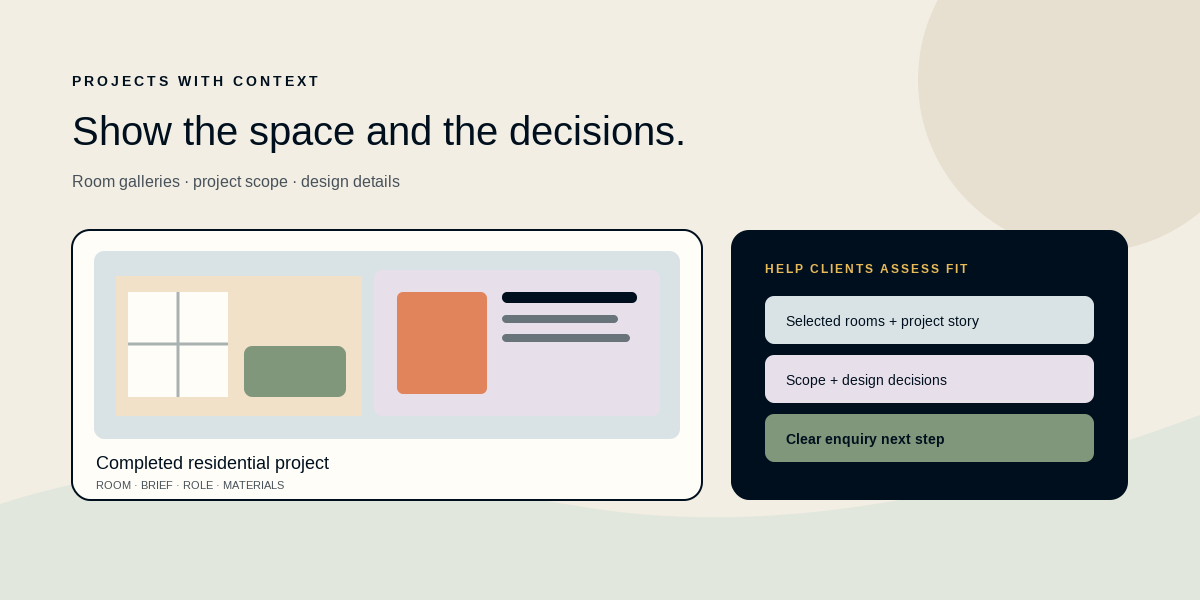
An interior designer portfolio website should help a prospective client understand the kind of spaces you design, how you approach a project and what they can ask you to do. A polished room photograph can make a strong first impression, while project context explains the brief, constraints, scope and your contribution. Organize the portfolio around the questions a client needs answered before starting a conversation.
TL;DR
- Select projects that reflect the design services and client work you want to receive.
- Add context about the brief, constraints, project stage and your role alongside the room images.
- Use galleries and categories that help visitors compare relevant spaces without hiding project details.
- Make location, service boundaries, permissions and enquiry expectations clear.
Show the type of interior work you want to be hired for
Start with the people and projects your practice is prepared to serve. A designer focused on residential renovations may need a different portfolio path from a studio taking on hospitality or workplace projects. Use a concise introduction to explain your scope, project scale or service area where those details help someone assess fit.
- Describe your practice in plain language and identify the kinds of interiors you design.
- State whether you work on concept design, space planning, full-service design or another defined scope.
- Explain where you work and whether consultations or project discussions happen remotely.
- Link from the introduction to selected projects that demonstrate relevant work.
- Avoid broad claims about style, budget or project results that the portfolio does not substantiate.
A portfolio is organized around selected work. If a visitor needs extensive information about a company, service boundaries, team or buying process, support the portfolio with suitable business pages rather than expecting every project image to answer those questions.
Organize interior design portfolio categories around client decisions
Categories can help visitors reach relevant spaces quickly. Choose labels that describe the work and are supported by enough projects to be useful. Depending on your practice, a visitor may want to browse by residential or commercial type, renovation or new fit-out, room, project scale or service provided. Avoid creating empty categories for every style word or material.
| View | Useful when visitors need to compare |
|---|---|
| Project type | Residential, hospitality, retail, workplace or another practice area. |
| Room or space | Kitchens, living areas, bedrooms, reception areas or other defined spaces. |
| Project stage | Completed work, work in progress, concept studies or proposals when clearly labeled. |
| Service scope | Consultation, styling, renovation planning or a more comprehensive project role. |
| Design detail | Material, lighting, storage or layout decisions where they are important to the work. |
Pick one or two useful ways to browse before adding more navigation. A small, curated set of projects can be clearer than a large menu of categories with only one result each.
Make a room gallery explain the space, not only show a finished image
A project gallery can move from a wide view that establishes the room to details that explain materials, joinery, lighting or use. Add a short caption when it helps the visitor understand what the image shows. A series of visually similar angles may be less useful than a sequence that explains how the space fits together.
- Choose an opening image that represents the project and can be shared publicly.
- Sequence wide views, key spaces and selected details in a deliberate order.
- Add captions for the room, material or design decision where context is useful.
- Use before-and-after images only when both represent the same project and the comparison is fair.
- Credit photographers and collaborators according to the project's agreements.
- Check that the gallery remains readable, navigable and responsive on a phone.
For informative images, write a concise text alternative that conveys their meaning; decorative images can use an empty alternative. See the W3C WAI alt text decision tree.
Build each interior project page around its context and constraints
A case study helps a client understand what sits behind the finished room. Explain the brief at an appropriate level, the conditions that influenced the design and the work you actually completed. If a project is a concept, proposal or ongoing installation, identify that status so visitors do not mistake it for a finished commission.
| Detail | What to explain |
|---|---|
| Project context | The type of space, client need and permitted location or setting. |
| Constraints | The existing space, functional needs or project conditions that influenced decisions. |
| Your role | The design services and responsibilities you personally or collectively provided. |
| Process | Selected layout, material, lighting or coordination decisions that explain the result. |
| Project stage | Whether the images show a completed space, a proposal or work in progress. |
| Credits | Photographer, collaborators or suppliers where credit is agreed and relevant. |
Do not reveal a client's address, personal details, drawings or unpublished specifications without permission. Review public images and captions for information that could identify a private residence or expose project details the client intended to keep private.
Connect the portfolio to a clear design enquiry
After reviewing a project, a visitor should know how to discuss a similar space. Use a contact action that names the next step and ask for enough information to route the enquiry, such as project type, location or timing when those details are useful. Explain whether the first conversation is a consultation, feasibility discussion or another defined service.
- Place the contact route near relevant service and project information.
- Describe the projects or consultation types the practice is currently considering.
- Keep the form short enough for an initial enquiry and label required fields clearly.
- Tell visitors what happens after submitting and where the response will come from.
- Make an online booking or payment flow a separate requirement if the practice needs one.
Peak Web Craft's portfolio website service includes project stories, responsive galleries and enquiry paths when agreed in scope. For a broader portfolio structure, see the independent creative portfolio examples.
Frequently asked questions
What should an interior designer portfolio website include?
Include a clear practice introduction, selected projects, useful room or project galleries, context about your scope and contribution, service information and a straightforward enquiry route.
How should interior designers organize portfolio projects?
Choose categories that help prospective clients find relevant work, such as project type, room, service scope or stage. Use labels that accurately describe the projects and avoid categories with little useful content.
What should an interior design project page show?
Explain the project context, brief, constraints, your role, selected design decisions, project status and the final work. Include captions and credits where useful and permitted.
Can an interior design portfolio include before-and-after photos?
Yes, if you have permission to share both images and the comparison accurately represents the same space and project. Label the images clearly and avoid implying work you did not complete.
Should an interior designer portfolio website show prices?
Only if the practice has clear, current pricing information suitable for publication. Otherwise, explain the service scope and invite visitors to discuss project requirements without suggesting a fixed price.