
Shopify & Ecommerce
What an Online Store Needs Beyond a Shopping Cart: Catalogue, Orders and Integrations
Plan the product data, checkout, payments, fulfilment, customer service and integrations an online store needs beyond a shopping cart.
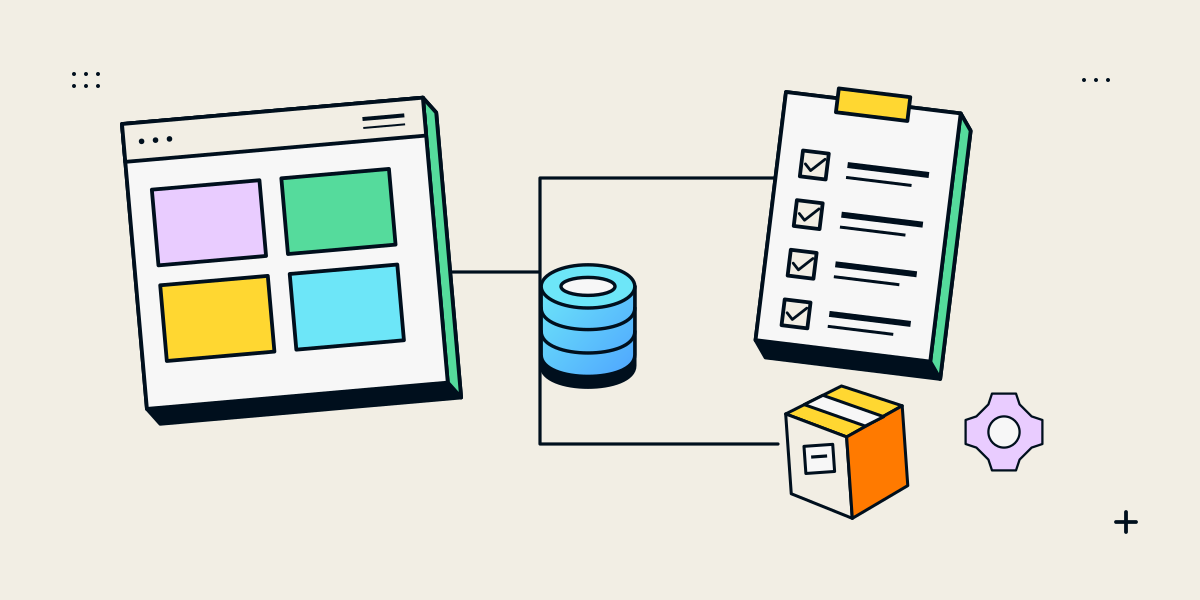
An online store is a connected order process, not just a cart
A shopping cart is one step in an ecommerce journey. A usable store also needs trustworthy product information, clear pricing and availability, a checkout customers can complete, reliable order handling and a way to answer questions after purchase. The exact tools depend on the catalogue, customer expectations, payment options and fulfilment model.
Plan the operations before choosing apps or custom features. Our guide to enquiry-led catalogues versus full online stores can help decide whether customers should check out directly or request a quote for some products.
Map the requirements across the customer and staff journey
| Part of the journey | Questions to answer |
|---|---|
| Catalogue | What product fields, images, variants, identifiers and instructions do customers need? |
| Pricing and stock | Who maintains prices, availability, lead times, minimum quantities or quote-only items? |
| Discovery | How will customers browse, filter, search and compare products? |
| Cart and checkout | Which options, delivery details and customer information are required before purchase? |
| Payments | Which methods can your chosen platform and payment provider support for your business and region? |
| Fulfilment | How are shipping, collection, digital delivery, production or hand-off handled? |
| After purchase | Who handles confirmation, support, cancellations, changes, returns or refunds? |
| Integrations | Which inventory, accounting, CRM, ERP, shipping or analytics systems need data—and in which direction? |
Separate requirements from preferences. A must-have could be accurate stock before checkout; a later enhancement might be a loyalty programme. Record the owner and source of truth for each important field so the store does not present conflicting prices or availability.
Choose checkout, enquiry or a hybrid product route
Direct checkout works when customers can understand the product, price and delivery terms before ordering. An enquiry route can suit custom work, variable pricing or products that need consultation. A hybrid catalogue can support both, but the page must clearly show which products can be bought and which need a discussion.
- Use a checkout when options, price, stock rules and fulfilment can be made clear.
- Use an enquiry when a product needs configuration, a quote or a project-specific decision.
- If some products use each route, label the action per item and explain what happens next.
- Keep customer and staff records aligned so an enquiry is not mistaken for a paid order.
Do not make visitors add a product to a cart just to discover that it cannot be purchased. If you use a “price on request” or consultation path, explain what information the team needs and how the customer will receive a response.
Connect only the systems that support a real operating need
An integration is useful when it removes repeated data entry or keeps a critical process accurate. Before adding one, identify the system of record, which fields move, when they update and what should happen if a transfer fails. A store that sends every order into an unmanaged spreadsheet can create a new bottleneck instead of removing one.
| Question | Why it matters |
|---|---|
| Which system owns the product, price or stock value? | Prevents conflicting updates and unclear responsibility |
| Does data move one-way or both ways? | Avoids accidental overwrites and duplicate records |
| What event triggers the update? | Clarifies timing for order, fulfilment and customer messages |
| How are failures noticed and corrected? | Keeps an integration error from becoming a missed order |
| Who supports the app or connection? | Makes ongoing access, fees and troubleshooting visible |
For a custom connection, agree on ownership, credentials, error handling and test cases before implementation. Add analytics only for events that the business can interpret and maintain.
Test realistic orders before opening the store
Test the experience from product page through confirmation using the payment and fulfilment rules you plan to run. Include normal and failure cases, not only one successful checkout. Shopify’s store launch guidance recommends test orders to review checkout, order processing, inventory, shipping and taxes; confirm test mode is turned off before accepting real payments.
- Place a test order for a standard product and check the confirmation and staff notification.
- Try an unavailable or low-stock item and confirm the storefront behaviour matches the stock rules.
- Check shipping, pickup or delivery options for representative addresses and order values.
- Review a failed or cancelled payment and confirm the customer can recover or get support.
- Test the order data in every connected system and confirm someone owns exceptions.
- Check mobile browsing, forms, confirmation pages and customer support details.
Tax, privacy, consumer and payment obligations depend on your business and where you sell. Confirm those requirements with the relevant platform, payment provider and qualified adviser; do not rely on a website setting alone to decide them.
Questions about ecommerce website requirements
Do I need inventory software for an online store?
It depends on product volume, stock locations and how inventory is managed today. Define the source of truth first; a spreadsheet or manual process can work at small scale if it is accurate and someone owns updates.
Does every ecommerce site need an ERP integration?
No. Add an ERP or other integration when it supports a real workflow and the data rules are understood. Every connection also needs an owner and a way to detect failures.
Can a store combine checkout and product enquiries?
Yes. Some products can be ready for checkout while custom or variable-price items use a clear enquiry route. Make the action and expected follow-up obvious for each product.
What should I test before launch?
Test product selection, checkout, payments, inventory, delivery, order notifications, refunds or cancellations, integrations and mobile use. Shopify provides test-order options for checking key store settings.
Should I use Shopify or a custom ecommerce build?
Choose based on catalogue complexity, required workflows, integrations, operating capacity and total ownership. Our guide to