
Custom Web Applications
Client Portal Development: Features, Roles and Security to Plan For
Plan client portal features, user roles, access controls, file handling, integrations and support before building a secure customer workspace.
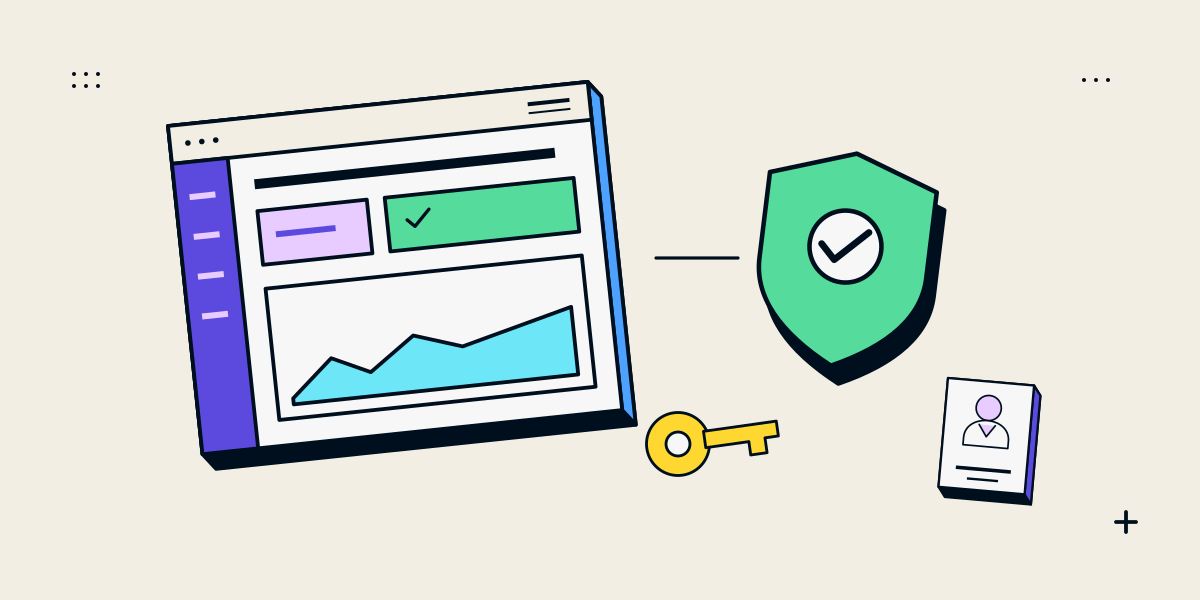
A client portal is a private workflow, not just a login screen
A client portal gives customers a private place to access information or complete tasks with a business. It may support project updates, document exchange, requests, invoices or account details. The important design work is deciding which records each user can see and change, how the business handles those actions and what happens when access should end.
Start with the client and staff tasks. A portal should not duplicate a public website or become a second system of record without a clear reason. Scope the data and permissions before choosing features.
Define portal roles and the records each role can access
| Area | Decisions |
|---|---|
| Users | Who can sign in: clients, client colleagues, staff, administrators or partners? |
| Records | Which projects, documents, requests or account details belong to each organisation? |
| Permissions | Who may view, add, edit, approve, download or delete each record? |
| Workflow | What status changes or actions must clients and staff complete? |
| Notifications | Which activity generates an email or in-app message, and who receives it? |
| Integrations | Which existing system owns customer or project data? |
| Support | How can users recover access or request help? |
A portal user who can sign in should not automatically be able to see every client record. Plan organisation boundaries, staff roles and record ownership as part of the data model.
Build access control into every portal action
- Authenticate users with a supported account and recovery flow.
- Check authorization on the server for each requested record and action.
- Limit each role to the data and operations it needs.
- Set appropriate session expiry and account removal processes.
- Log important administrative and access events without exposing secrets.
- Test that one client cannot retrieve another client’s records by changing a URL or identifier.
OWASP’s authorization guidance says authorization is distinct from authentication and recommends checks for each requested object or function. OWASP also explains how session management connects a signed-in user to access rights across requests. A login page by itself is not a security model.
Plan file handling, retention and support
Document uploads and downloads need their own rules: accepted file types, size limits, ownership, scanning or review, access after project closure and deletion. Decide how long records remain available and who can export them. The right approach depends on the information and the business obligations that apply.
- Minimise sensitive information and keep it in systems intended for that data.
- Use secure hosting and provider configurations appropriate to the application.
- Define backup, restore, incident and account-recovery responsibilities.
- Review staff access when roles change or contracts end.
- Plan monitoring and a support route for login, permission and integration problems.
Before production use, have the application’s architecture and security controls reviewed by qualified people for the data and risk involved. A feature list or checklist cannot certify a portal as secure or compliant.
Release a small portal workflow and test its boundary cases
- Select one client task that has a clear owner and measurable benefit.
- Map the data, user roles and permission rules for that task.
- Prototype with test accounts and records that do not expose real client information.
- Test allowed and denied actions for each role, including record identifiers and file access.
- Train staff and define how access requests, mistakes and incidents are handled.
- Expand only after the first workflow is supported and understood.
Useful first versions often focus on one or two tasks rather than recreating every internal system. Keep the public site, portal and internal source of truth connected in a way the team can maintain.
Questions about client portal development
What features should a client portal include?
Start with the client tasks and records that justify the portal. Common needs include secure sign-in, organisation-specific access, requests, documents, status updates and notifications.
Is a password-protected page a client portal?
Not necessarily. A portal needs identity, user-specific authorization, records, workflows and support. A shared password does not separate clients or roles.
How do I keep one client from seeing another client’s data?
Enforce server-side authorization for every record and action, test organisation boundaries and review access changes. Do not rely on hidden buttons or client-side checks.
Should clients upload files to a portal?
Only if the workflow requires it and file types, size, access, retention and support are planned. Avoid accepting sensitive documents without an appropriate security review.
Does a client portal need an independent security review?
The level of review should reflect the data and risks. For sensitive or business-critical information, ask a qualified security professional to assess the design and implementation before launch.