
SEO & Website Launches
Website Launch SEO Checklist: Indexing, Redirects, Metadata and Speed
Use this website launch SEO checklist to review URLs, redirects, indexing controls, page metadata, internal links, sitemaps, measurement and post-launch checks.
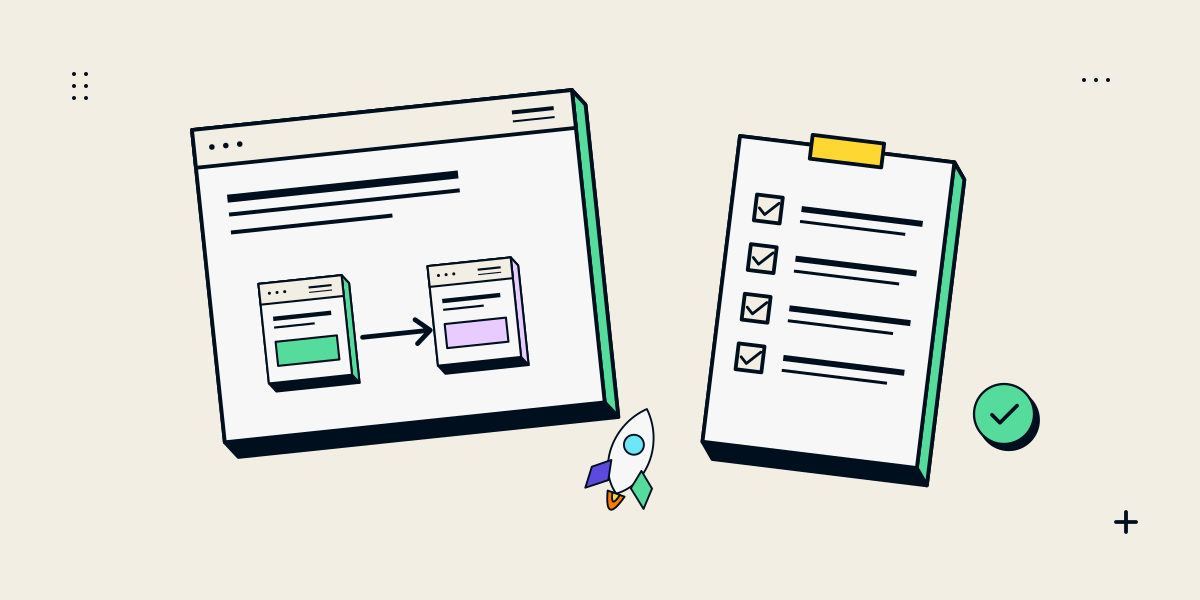
A launch checklist protects the visitor journey and makes changes easier to verify
A website launch can range from publishing a new site on an unused domain to changing a live site’s platform, design or URLs. The checks depend on what is changing. If existing URLs move or disappear, plan the redirects and page replacements before release. Google’s site-move documentation recommends mapping old URLs to relevant new destinations, updating internal links and canonicals, testing redirects and submitting the new sitemap.
A checklist can reduce avoidable technical mistakes; it cannot guarantee that rankings or traffic stay unchanged. Search systems need time to revisit changed pages, and a substantial redesign may temporarily affect visibility. Start by documenting the current site and the intended launch state.
Before launch, record what is changing and prepare a URL map
- Export the current sitemap and list important pages, assets and landing URLs.
- For each old URL, identify the matching new page, a relevant consolidated page or no replacement.
- Mark which URLs should remain indexable and which staging controls must be removed.
- Assign an owner for redirects, analytics, content approval and the release decision.
- Prepare a test set covering priority pages, forms, navigation and key conversions.
Avoid redirecting every retired page to the homepage. A redirect should lead to the closest useful replacement; pages with no relevant destination may need to return a proper not-found status. Keep a copy of the map so the launch team can trace each change.
Check the technical and on-page foundations
| Area | Check | Pass condition |
|---|---|---|
| Access | Robots rules, password gates and `noindex` controls | Public pages intended for search can be fetched after launch |
| Responses | Important URLs, images and scripts | Expected pages return successfully; removed pages have a clear status or redirect |
| Redirects | Old-to-new URL map | Each changed URL reaches its relevant final destination without avoidable chains |
| Canonical URLs | Canonical tags and preferred host/protocol | Each indexable page points to its intended canonical URL |
| Page content | Titles, descriptions, headings, links and visible copy | Pages are distinct, accurate and understandable to visitors |
| Sitemap | URLs included in the XML sitemap | The sitemap lists canonical, public pages that should be discovered |
| Forms and tracking | Enquiry routes, analytics and agreed events | A real test reaches the right team and the intended measurement works |
| Mobile and performance | Representative devices, layouts and key resources | Content and actions are usable without blocking layout or broken assets |
If a staging site was blocked from crawling, confirm the production configuration rather than assuming it changes automatically. Google’s URL Inspection guidance can help you check how a particular live URL is seen by Google. A successful inspection or sitemap submission does not itself guarantee indexing.
Treat URL changes and page changes as separate launch risks
A page can keep its URL while its content changes, or its content can move to a new URL. For a moved page, use a permanent server-side redirect where appropriate and update site links so visitors do not need to pass through an old address. For a page that stays put, confirm the new copy still answers the query and that its canonical and indexability settings are correct.
- Keep important old URLs in the map even if they are not in the current navigation.
- Check redirects from the exact old address, including protocol and trailing-slash variants.
- Use relevant replacements instead of sending unrelated pages to one destination.
- Remove development-only blocks after release and re-test the public version.
- Keep titles and descriptions accurate to the page; do not stuff keywords into them.
After launch, monitor errors and search data instead of assuming success
- Crawl the production site and compare important URLs with the pre-launch inventory.
- Test the mapped old URLs and check final status codes, canonical destinations and page content.
- Submit the updated sitemap in Search Console if the site uses it.
- Inspect priority pages and monitor indexing, crawl errors, impressions and clicks.
- Test forms and conversions again after any release fixes.
Google notes that a site move can take time to process and search visibility may fluctuate during the transition. Record significant changes and compare like-for-like time periods; do not label every short-term movement as a launch failure or an SEO success. For a wider diagnostic framework, use our SEO audit checklist.
| Old entry point | Decision | Acceptance check |
|---|---|---|
| A renamed page with the same purpose | Map directly to the matching new canonical page. | One permanent redirect; destination returns 200; links use the final URL. |
| A page kept at the same URL | Preserve the URL and review its metadata/content. | 200 response, correct canonical and useful content. |
| Removed content with no suitable replacement | Return a genuine not-found response. | No homepage redirect or misleading successful status. |
Keep a dated copy of the mapping and verify it against the deployed site after release. This table is a planning example, not evidence that a particular client migration retained traffic.
Questions about website launch SEO
Should I submit a sitemap before launch?
Prepare and validate the production sitemap before release. Submit it when the public URLs are live; it helps discovery but does not guarantee that pages will be indexed.
Do I need redirects if the URL does not change?
A redirect is not needed for an unchanged URL. Check that the page still returns the expected response and has the right canonical, content and indexing settings.
How long does SEO take after a redesign?
There is no fixed recovery time. Crawling and processing depend on the site, number of changes and search systems. Monitor important pages and fix technical issues promptly.
Can a redesign keep every ranking?
No checklist can guarantee unchanged rankings. Preserve useful pages and relevant URLs where possible, map necessary changes carefully and monitor the results after launch.
What is the most important launch check?
There is no single check for every site. For a redesign, a complete URL map plus verified redirects, indexability and working user journeys are common high-priority areas.