
Booking Websites
How to Build a Booking Website for a Service Business: Features and Workflow
Plan a booking website around services, availability, booking status, staff workflow, notifications and the rules customers need to understand.
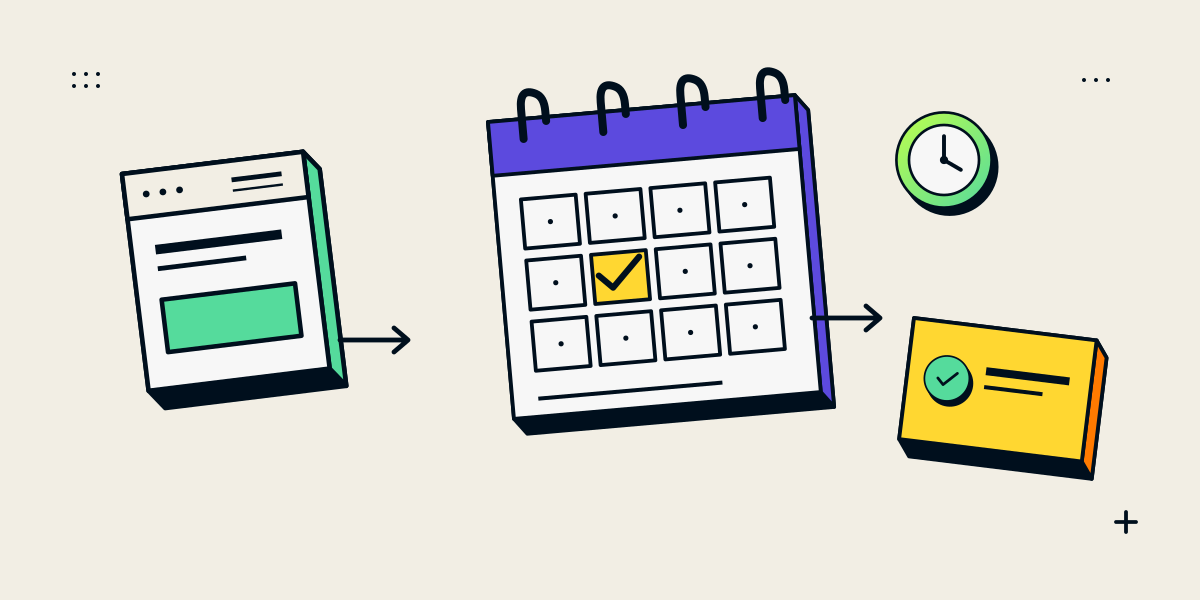
A booking website must make the booking status and next step clear
A booking website helps customers understand a service and request or reserve a time. The critical design choice is whether a submission creates a confirmed appointment or sends a request that staff must approve. If the site does not make that distinction clear, customers may arrive expecting a confirmed slot while staff believe the request is still pending.
Start by mapping the customer and staff journey. A booking calendar is only one component; the business also needs rules for availability, changes, notifications and exceptions.
Define the booking features from the service rules
| Area | Decisions |
|---|---|
| Services | What can be booked, for how long, at which location or online? |
| Availability | Which hours, buffers, lead times, blackout dates and capacity limits apply? |
| Resources | Does a booking require a particular staff member, room, vehicle or equipment? |
| Booking status | Is the appointment confirmed immediately or after staff review? |
| Changes | Can customers cancel or reschedule, and what notice is required? |
| Payments | Is there a deposit, full payment or no payment at booking? When is it confirmed? |
| Notifications | Who receives confirmations, changes, reminders and failed-delivery alerts? |
Do not add an account, form field or payment step unless it supports a real service need. Ask only for information the team needs to schedule and prepare for the appointment.
Design the customer flow and staff flow together
- Explain the service, duration, location, eligibility and price or payment expectation.
- Show only times that can actually be requested under the availability rules.
- Collect the minimum information needed to identify and prepare for the booking.
- Show whether the submission is pending or confirmed and send the matching notification.
- Give customers a clear way to ask a question, cancel or reschedule.
- Give staff a process for conflicts, calendar errors and other exceptions.
The public website and staff dashboard need consistent booking states. If another channel can also reserve time, define how both channels update availability so two customers are not promised the same resource.
Choose a booking link, embed or custom system by operational fit
| Approach | Useful when | Check before launch |
|---|---|---|
| Booking link | A quick path from service page to a standard scheduler is enough | Confirm that the visitor can see the service context and return to the site |
| Embedded scheduler | The customer should choose a slot without leaving the website | Test mobile layout, keyboard use, load behaviour and fallback contact |
| Configured platform | Services need standard durations, availability, hosts or reminders | Verify supported rules, integrations, plan limits and staff ownership |
| Custom booking system | Distinctive resource, approval or integration rules do not fit available tools | Scope concurrency, data access, monitoring, support and ongoing maintenance |
Calendly’s event type documentation shows common settings such as duration, location, availability and host. These are examples of configuration options, not a complete requirements list for every service business.
Test booking scenarios, not only the happy path
- Two customers attempt the same scarce slot.
- Staff availability changes after a customer opens the booking page.
- A customer cancels or reschedules inside and outside the stated window.
- A confirmation or reminder message fails to send.
- A payment fails or a refund is required, if payments are part of the workflow.
- The booking is created from a second channel or needs manual approval.
Record which system is authoritative for each booking and who resolves exceptions. The business should also decide how long customer details are kept and which staff need access to them.
Questions about booking websites for service businesses
Can a booking website prevent double bookings?
It needs a reliable availability source and conflict handling across every channel. Test simultaneous requests and changes instead of assuming a calendar embed alone solves the problem.
Should a booking be confirmed automatically?
Use automatic confirmation when the service rules and availability are clear. Use a request-and-approval flow when staff need to review eligibility, resources or details first. Label the status to the customer.
Do I need a custom booking system?
Not always. A booking link or configured platform may cover standard appointments. Consider custom development when a specific workflow, resource model or integration cannot be handled reliably by existing tools.
Should I take payment when someone books?
That depends on your service, cancellation rules, customer expectations and payment setup. Explain the terms before the customer submits and verify the provider’s supported flow.
What should I test before launch?
Test availability, confirmations, changes, notifications, payments where applicable, mobile use and staff exception handling.